
Free Fire India: Official Launch and Account Checks
Check Garena’s Free Fire India launch information, understand region-specific accounts, and avoid fake downloads, account scams and unsupported promises.
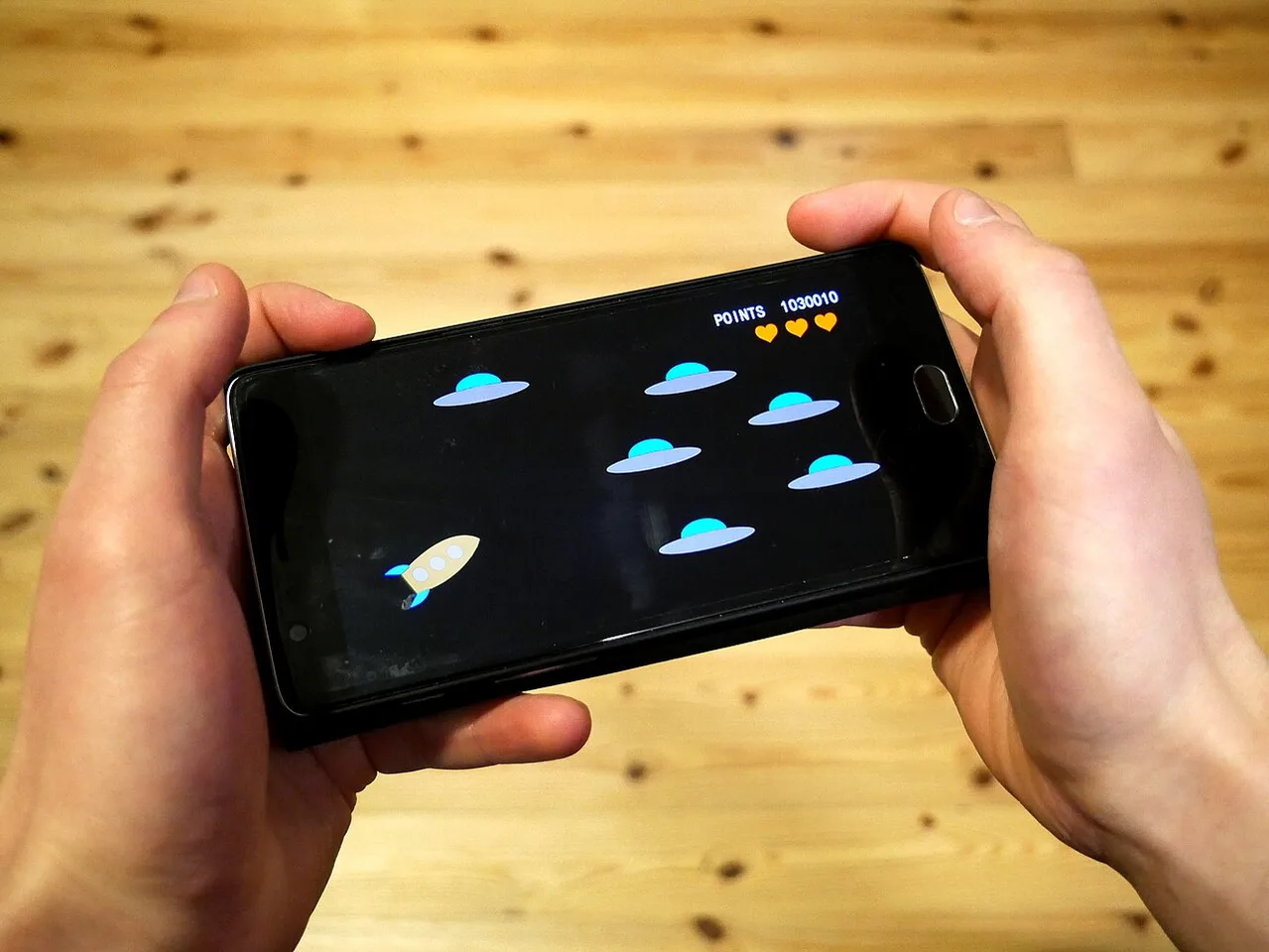
Garena's announcement dated 27 October 2026 says Free Fire India became available from 28 October 2026 as a standalone app on Google Play and the App Store. That is a confirmed launch statement from the publisher. It does not establish that every account, phone or country can use the same client.
For readers in Pakistan, the important distinction is between hearing about a launch in India and establishing eligibility for an existing account. Garena's support material describes account-region rules, so the full product name and the account involved matter more than a trending headline or a copied download graphic.
The useful next step is a sequence of checks: identify the official listing, confirm the account context, inspect device compatibility and protect login and payment details. This approach also makes troubleshooting easier because an installation problem, a region message and a failed purchase are separate issues with different evidence.
What has Garena actually confirmed about the launch?
The publisher's dated release announcement identifies Free Fire India as a separate application available from 28 October 2026. It also describes responsible-play features including parental consent requirements for users under 18, break reminders, playtime limits and spending caps. Those are publisher statements about the product, not independent guarantees of every user's experience.
Keep the announcement date separate from the availability date. An article published on one day can announce access beginning the next day. Cropping away either date can make a genuine announcement look contradictory or revive an old pre-release claim.
Check the exact product name. Free Fire, Free Fire MAX and Free Fire India are related names, but an instruction written for one client may not apply to another. A familiar logo cannot establish which package a screenshot shows.
A launch statement also does not settle future tournament arrangements, every supported device or every account-transfer situation. Those require the relevant current rules. Avoid extending a confirmed fact into a larger promise merely because the extra claim sounds plausible.
For a research note, record publisher, announcement date, application name, platforms and stated market. Then separate any personal observation, such as whether a particular store account displays an install option. A single user's screen is useful evidence about that screen, not proof of universal access.
This distinction helps explain why two readers can report different experiences without either having invented them. Their account region, device, operating system or client may differ. Identify those variables before treating disagreement as evidence that the launch itself was false.
How do you recognise the correct app listing?
Reach the listing through the publisher's established route and inspect the application name, developer name and compatibility information. Compare those details with the intended product before installing. Search ranking, advertising placement and copied artwork cannot independently authenticate an app or an APK offered by an unrelated website.
On the store page, distinguish the app identity from a descriptive subtitle. Similar words in a title can make an imitation look convincing. Read the developer information and check that the route began from the publisher rather than a reward message or an unsolicited advertisement.
An official listing still needs to match your device. The visible install option, supported operating system and any compatibility message provide practical information. Avoid assuming that a tutorial recorded on another phone establishes support for yours.
Treat requests to disable protection as a reason to stop and verify the route. Google explains that Play Protect checks apps for potentially harmful behaviour, including apps obtained outside Google Play. A claim that an unknown installer requires protection to be turned off does not establish a legitimate necessity.
A modified client promising unlocked items or unrestricted access is a different piece of software from the publisher's release. It can also complicate account support because instructions and behaviour may no longer match the official client.
Review app permissions against the functions you intend to use. Before installation, make a compact check record: product, developer, store, device and date. You do not need to share that record publicly. It simply gives you a reliable baseline if a later update changes the listing or a support agent asks what was installed.
How do you distinguish region, login and connection errors?
Read the exact error message before changing settings. An account-region restriction concerns eligibility, a login failure concerns authentication and a connection error concerns communication with a service. These categories can produce similar frustration, but reinstalling repeatedly will not necessarily address the underlying cause.
Garena's FAQ distinguishes India-region accounts and other account situations. For a Pakistani reader, this means access cannot be inferred solely from an India launch announcement. Consult the current guidance for the particular message rather than treating a VPN or a changed device location as an approved solution.
For a login problem, identify the login method used originally. An email-based identity, social sign-in and guest account are not interchangeable merely because they appear on the same phone. Signing in differently may lead to a different profile rather than recovering the expected one.
For a connection problem, check whether other apps can use the connection and whether the publisher reports maintenance. This helps separate a local network issue from a wider server issue. Avoid repeatedly altering unrelated account settings when the evidence points to connectivity.
Record the wording, time and affected action. “Cannot register a new account” is not the same as “existing account cannot sign in.” A screenshot with private information removed can help support identify the category.
Do not guess that every regional message is a ban or that every sign-in problem proves an account was stolen. Those are stronger claims than the symptom supports. A useful diagnosis moves from observed facts towards an explanation, testing one relevant possibility at a time.
What should be checked before moving or recovering an account?
Establish which identity holds the existing progress and what the official instructions say about that exact login route. Do not assume that a new installation automatically transfers a profile. Account region, product and sign-in method can all matter, and a successful login may still display a different account.
Before deleting a client, check whether the account is bound through a supported recovery method. A guest account deserves particular caution because access may depend on local data or limited recovery options. Read the applicable guidance before clearing app data or changing devices.
Keep the player identifier, ordinary purchase receipts and the original login method in a secure record. These can assist a legitimate support request. They should not be accompanied by a password or one-time code in public screenshots.
Account recovery is also a common pretext for phishing. Someone who offers to restore progress in exchange for a login code is requesting control over an authentication step. Verify the contact through the established support route rather than relying on a familiar avatar or a copied staff badge.
If you accidentally create a new profile, stop making irreversible changes while identifying what happened. Repeatedly unlinking identities or creating more accounts can make the situation harder to explain. Record what action produced the new profile and seek the relevant product guidance.
Good account security is procedural: use the intended identity, protect recovery access and keep an understandable history of changes. It is not achieved by trying every tutorial until one produces a different screen.
Which phone and network checks are genuinely useful?
A phone-handling photograph from September 2025 illustrates keeping account information private; it does not show a Free Fire India login.
Check operating-system compatibility, available storage, current updates and the actual connection before judging performance. Device specifications are useful only when connected to the game's published requirements and your observed problem. A phone's marketing label or a high benchmark score cannot independently establish smooth gameplay under every condition.
Storage affects more than the initial download size. Updates and additional resources may require working space. Check the device's available capacity rather than assuming that deleting one photograph or installing a smaller launcher resolves the issue.
Keep the operating system and security update status in view. A very old system may lack supported features even if the phone once ran a related game. Follow the official compatibility information instead of installing an unofficial package advertised as a universal fix.
Latency and download speed describe different things. A large download can finish quickly while interactive play still experiences delay. Wi-Fi signal, mobile data conditions and other traffic can affect the connection. Record when the problem occurs rather than blaming the handset automatically.
Try one reversible change at a time, such as closing an unnecessary background download or testing a stable connection. Then repeat the same action in the game. Changing many settings simultaneously makes it difficult to identify what helped.
Avoid unsupported performance promises. A video showing high frame rates on one device does not guarantee the same behaviour on another configuration. A useful troubleshooting note names the device, system version, client version and symptom, giving support evidence that can be reproduced.
How should families handle age ratings, playtime and purchases?
Read the current store age rating and the game's own guardian requirements, then apply appropriate device and household controls. A content rating, parental consent process and spending rule answer different questions. A family plan should consider the child's needs, the app's settings and practical limits on time and payment access.
The publisher describes protective features, but their presence does not replace active supervision. A spending cap is an upper boundary within a system; it is not a recommended budget. Families can set a much lower limit or prevent purchases altogether.
Apple's documentation describes purchase controls through Screen Time. On any platform, inspect the current available purchase approval settings and test them with the guardian account. Knowing that a control exists is less useful than checking that it applies to the device actually used.
In-app purchases require attention even when installation is free. Look for the amount, currency, item and account before authorising payment. Avoid treating virtual currency as if it had no household cost simply because it appears inside the game.
Agree on play sessions before starting. Connect the stopping point with meals, sleep, homework and the wider study routine. Break reminders can support that arrangement, but an on-screen notification is not the same as a family agreement.
A good conversation also covers chat, personal information and responses to uncomfortable contact. Younger users should know whom to tell and how to leave a situation. Practical instructions are more useful than a broad demand to “be careful” without examples.
What should you do about missing items or a disputed payment?
Check the account, purchase status and receipt before assuming that a missing item means fraud or an automatic refund entitlement. A pending payment, a successful purchase on another profile and an item-delivery problem are different cases. Preserve evidence and follow the relevant store or publisher process.
Record the transaction ID, date, amount, currency and intended item. Then compare the receipt's account with the profile currently signed in. Keep payment-card details and unrelated personal information out of any screenshot supplied with a support ticket.
Do not make repeated purchases merely to test whether the first will arrive. That can create additional transactions and make the dispute harder to understand. Check the documented processing guidance and support route for the specific purchase.
A refund is governed by the applicable platform and transaction rules. Neither a forum promise nor an educational article can guarantee approval. Describe what happened accurately and avoid altering evidence to fit a desired outcome.
Use this diagnostic comparison:
| Symptom | First evidence to inspect | Avoid assuming |
|---|---|---|
| No install option | Store compatibility and region message | Every phone is supported |
| Unexpected new profile | Original login method | Old progress was deleted |
| Delayed gameplay | Network and maintenance information | A region change is required |
| Missing purchased item | Receipt and account identity | Another purchase will fix it |
| Reward message asks for a code | Sender identity and authentication request | A copied logo proves legitimacy |
This turns a vague complaint into a bounded question. Support can then investigate the appropriate system rather than reconstructing several unrelated experiments.
How can you assess reward claims and future update rumours?
Trace a reward code, update claim or esports announcement to its current official terms. Check product, region, eligibility and expiry where stated. A genuine launch does not authenticate every promotion built around it, and a promised future feature remains unconfirmed until the responsible publisher announces it.
A reward page should not need your account password to prove that you watched a video. Treat authentication requests separately from promotional claims. If the message pressures you to act immediately, slow down and verify the route before providing information.
For update notes, distinguish a released feature from a planned feature and a community suggestion. Those statuses can appear in the same discussion thread. Repeating the strongest wording without checking its origin turns speculation into apparent confirmation.
Apply the same discipline to competition news. A creator's prediction about tournament access is not a set of eligibility rules. A named event needs its own organiser announcement, dates and conditions before it can support a participation plan.
Finish with four questions: which product is this, which account does it affect, which dated source establishes it and what action is actually required? If one answer is missing, collect that information before changing the account or spending money.
The confirmed launch is the starting point. Careful product matching, secure authentication and clear transaction records make the next steps understandable. Those habits remain useful when the client updates, the account message changes or a new wave of promotional claims appears.
Sources
Source 1 Source 2 Source 3 Source 4 Source 5
Image credits: Cover: Santeri Viinamäki, source, CC BY-SA 4.0. Resized and converted to WebP. Article image: POLANWOK Shingua, source, CC0. Resized and converted to WebP.
Found an error or an outdated detail? Report a correction with the article URL and original source.