
New MacBook Pro: Read Apple’s Launch Before Buying
Read Apple’s new MacBook Pro announcement, compare display and configuration needs, and check local warranty and total cost before a student purchase.
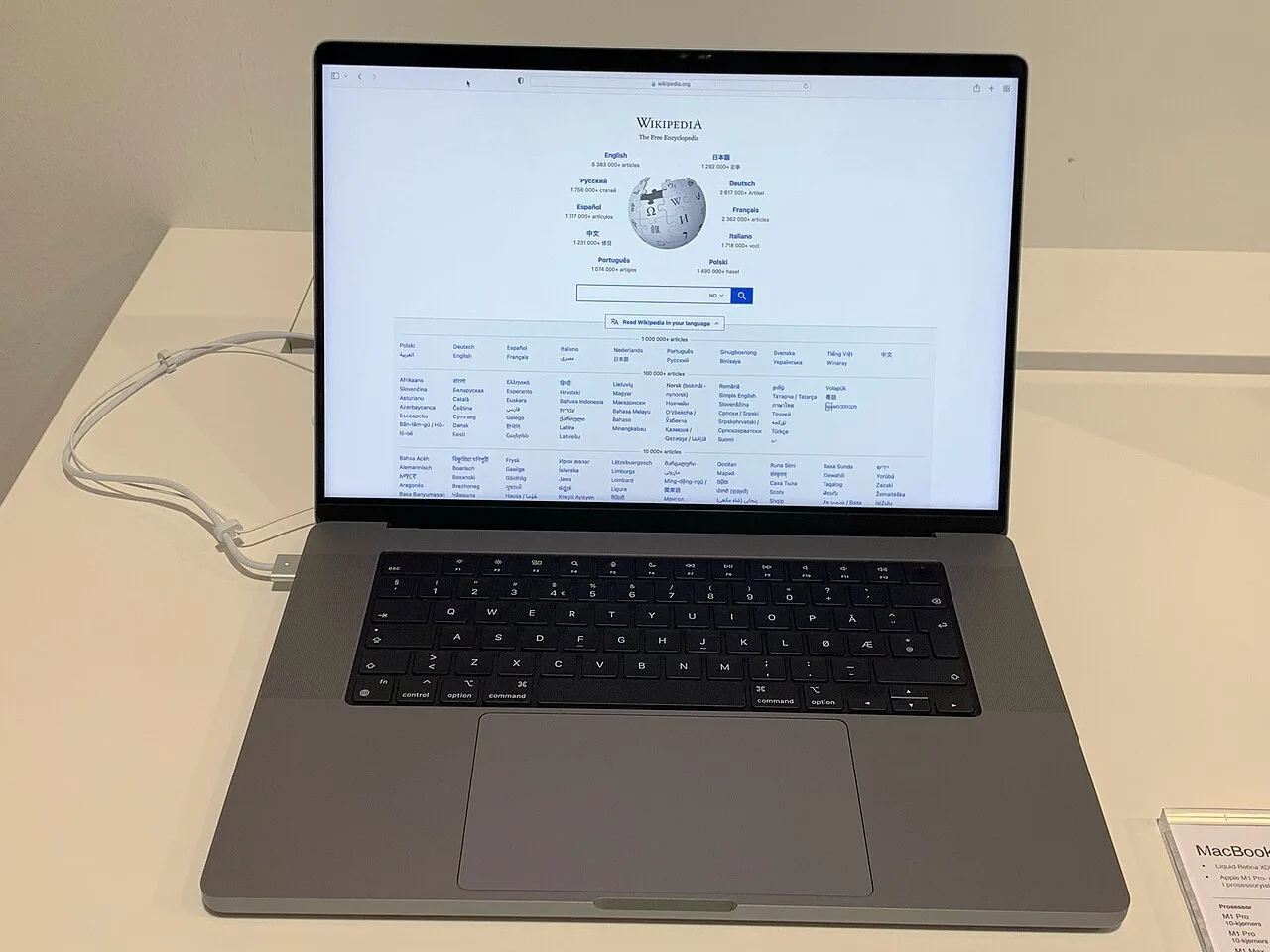
Apple's 28 October 2026 announcement introduces a MacBook Pro with PROLED XDR Display, tandem OLED technology and Touch. For a student, the useful question is whether the exact configuration solves a course requirement at an affordable total cost. A launch announcement establishes what the manufacturer announced; it does not establish Pakistani stock, local warranty coverage or the best choice for every learner.
This student buying guide turns the announcement into a practical decision. Start with software compatibility, compare memory and storage separately, test the display with your own material, and get the complete purchase terms in writing. A new laptop should reduce a real obstacle, such as unreliable hardware or excessive project processing time, rather than simply replace a functioning machine because its name is older.
Which new MacBook Pro does the announcement describe?
Identify the announcement date, model family, screen size and chip before comparing specifications. The verified announcement describes 14-inch and 16-inch PROLED XDR models using M5 Pro or M5 Max. Keep that product identity attached to every feature you record, because the MacBook Pro name alone is too broad for a reliable comparison.
A retailer might shorten an invoice to “latest MacBook Pro.” That wording leaves unanswered which processor, unified memory capacity, SSD storage and keyboard layout you are buying. Ask for a configuration code or an equally precise specification. Compare that information against the manufacturer's technical specifications rather than a photograph showing a similar enclosure.
Create a model identity note before discussing discounts. It should contain the advertised model, requested configuration, seller's written description and any differences. If a listing mentions a different display or chip, resolve the mismatch before paying a deposit. A lower quotation is useful only when it describes the same product and condition.
Treat release dates as regional statements. Apple's announcement gives an availability schedule for its named markets; that is not confirmation that a particular shop in Lahore or Karachi has the device ready for collection. Ask whether an offer is a preorder, an imported unit in transit or stock that you can inspect immediately.
How should students decide whether macOS suits their course?
Build the decision around required applications, file formats and examination tools. A powerful machine can still be unsuitable if a compulsory laboratory package requires a different operating system or a specific hardware connection. Ask the department about the exact version and assessment workflow, including plugins and peripherals, before comparing processor tiers.
For programming students, distinguish browser coding exercises from local software development. Writing introductory Python in a browser is different from building a large project, running containers or testing specialised device drivers. List the actual development tools, compiler requirements and dependencies your course uses. “Good for coding” is too vague to be a purchasing specification.
A design student should check font availability, colour management and the format used when handing work to the teacher. An engineering student should establish whether required CAD software has a supported Mac version with the needed features. A business student should test spreadsheet macros and add-ins rather than assume every workbook behaves identically across platforms.
Make a compatibility test concrete
Ask to open a representative assignment, edit it, export the required submission file and reopen the result on the receiving system. Include a video call or learning portal login if these are daily requirements. Record any workaround and its recurring cost. A remote laboratory may solve an occasional problem, but dependence on internet access can matter during deadlines or power interruptions.
How much memory and storage should a student prioritise?
Memory supports active work, while storage holds applications and files. Compare unified memory against your simultaneous workload and SSD capacity against your project library. Neither a large drive nor a more expensive chip automatically solves pressure caused by many demanding applications running together. Begin with an observed problem on your current device.
Apple's Activity Monitor provides memory pressure and swap information. Run a normal study session and note what happens when responsiveness deteriorates. The useful observation is the combination of application behaviour and resource pressure, not a single impressive-looking number. Close an unnecessary process and repeat the task to see whether the problem changes.
For storage planning, count course downloads, source footage, photographs, installed software and working copies. Include room for exports and temporary project files. A video editing assignment can create several versions of the same material, so the original camera files alone are an incomplete estimate. Backup space should be planned separately from working storage.
An external SSD can help carry archived projects, but it introduces a cable, another device and a responsibility to keep copies organised. Cloud storage also depends on bandwidth and subscription terms. Compare those practical arrangements with the cost of additional internal storage. Choose a system you will maintain during a busy semester, rather than one that works only when every accessory is available.
What do display specifications mean during everyday study?
Display specifications describe capabilities, but comfort depends on the task and environment. The announced PROLED XDR display uses tandem OLED and supports Touch. Test readable text, reflections, scrolling and your normal workspace before deciding how much those capabilities are worth. Manufacturer superlatives should remain attributed claims rather than independent review conclusions.
For reading, open a dense PDF with equations and footnotes. Adjust text scaling until it is comfortable, then see how much of the page remains visible. A larger screen may reduce window switching, while a smaller laptop may fit a crowded classroom desk more easily. Neither advantage can be judged from screen diagonal alone.
For creative work, distinguish colour gamut, brightness and colour accuracy. They answer different questions about what colours can be represented, how bright a display can become and how faithfully a chosen target is reproduced. A colour-critical workflow also depends on application settings, source files and the output destination. An attractive demo image cannot validate that entire chain.
Try Touch with an actual document or editing task, then repeat it with the trackpad and keyboard shortcuts. Consider whether reaching toward the screen improves the task or interrupts typing. Check the supported behaviour in your chosen application. A feature's presence does not guarantee that every application implements the same gestures or that it replaces another input device.
How should performance and battery claims be compared?
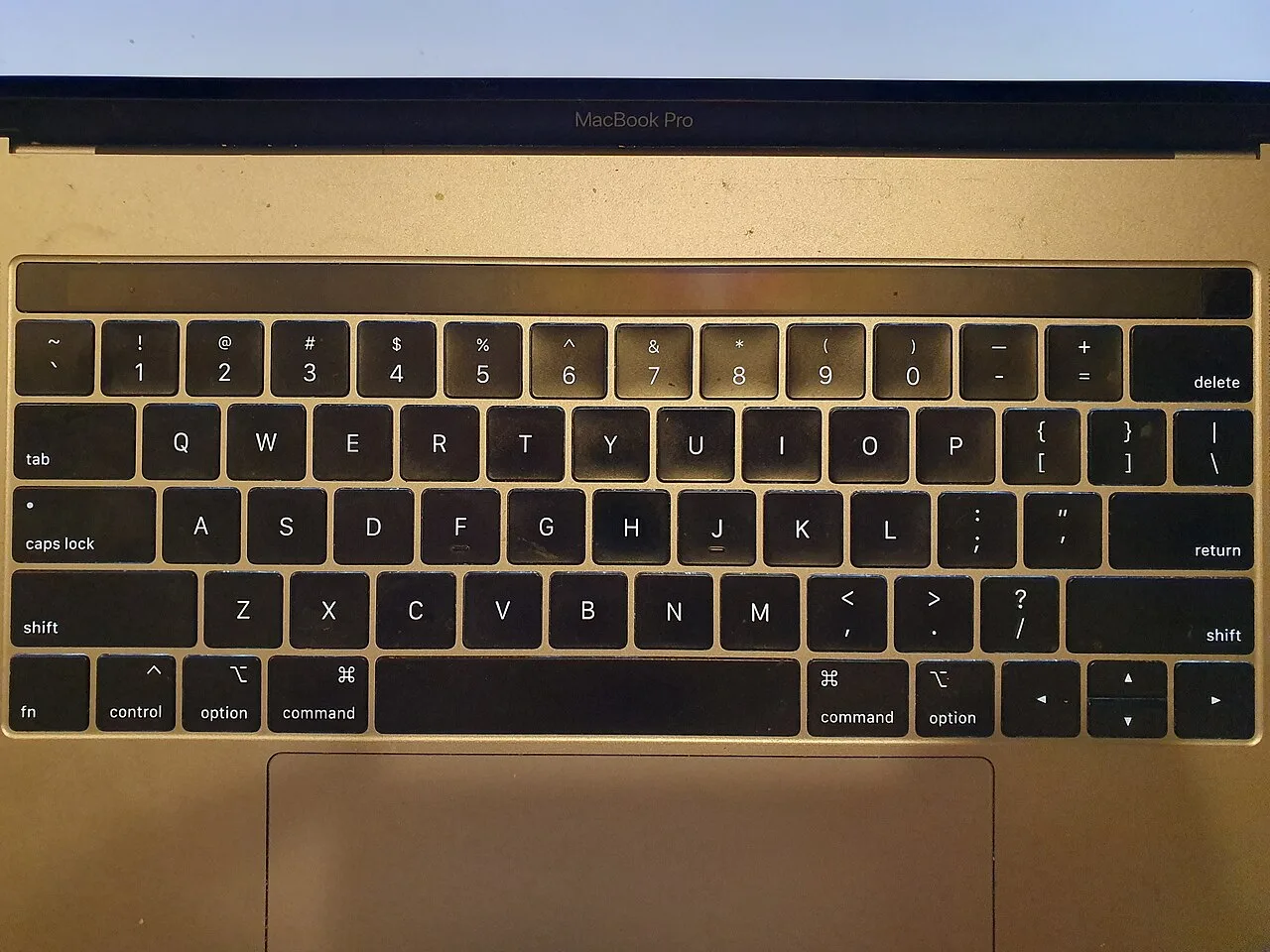
A 2018 keyboard illustrates why buyers should verify the keyboard layout on the invoice rather than relying on a product-family name.
Compare the workload and testing conditions behind each claim. A faster export in a manufacturer's benchmark does not mean an essay, download or online lecture improves by the same proportion. Battery life likewise depends on brightness, software, connectivity and activity. Use matched tasks when comparing devices and keep estimated runtime separate from observed results.
A useful performance test has a defined input and output. For example, export the same student video project using the same resolution and settings, or build the same code project from a clean state. Record elapsed time and whether the system remains responsive. Changing the project between machines makes the result difficult to interpret.
Separate sustained work from brief tasks. Opening a document and processing a long rendering job stress hardware differently. Noise, heat and charger requirements may matter when the device sits in a classroom for hours. Avoid interpreting a short shop demonstration as a complete test of a demanding production workflow.
For a battery comparison, describe a realistic day: commuting, reading downloaded notes, joining a lecture and working at home. Consider access to sockets and whether the charger fits your bag. A laptop that needs charging during a known break may still suit you. An advertised maximum is less useful than knowing whether your ordinary routine has a workable margin.
What belongs in the total purchase cost in Pakistan?
The total purchase cost includes the payable device price, required accessories, necessary software and realistic support arrangements. A converted overseas starting price is an incomplete Pakistani budget. Ask the seller for a written quotation in rupees, clarify what is included, and compare equivalent configurations under equivalent payment and warranty terms.
Check whether the charger, cable and any necessary adapter are included in the offered package. A classroom projector may require a different connection from your home monitor. Include external storage if your backup plan depends on it. These are ordinary workflow costs, so omitting them can make an apparently affordable purchase exceed the available budget.
Warranty coverage should be described precisely: who handles a claim, where the device goes, what evidence is needed and what exclusions apply. Distinguish a manufacturer's warranty from a seller's own service promise. Do not assume that an overseas invoice provides identical service arrangements in every country. Get the answer for the exact unit and purchase channel.
Compare payment terms as well. A monthly instalment can look manageable while carrying fees or a higher total amount. Write the full repayment total alongside a cash quotation. For a family budget, also preserve money for transport, course materials and connectivity. Hardware value depends partly on whether buying it leaves the student able to use it effectively.
| Decision | Evidence to collect | Practical consequence |
|---|---|---|
| Course compatibility | Required software and version | Prevents an unusable study setup |
| Configuration | Chip, memory and SSD on invoice | Makes quotations comparable |
| Portability | Device, charger and bag test | Shows the actual daily load |
| Support | Written warranty and return terms | Clarifies responsibility after purchase |
| Affordability | Full payable amount and extras | Protects the semester budget |
What should buyers inspect before accepting a unit?
Inspect the device against the invoice and complete a short functional check within the seller's stated inspection procedure. Confirm the model, serial identity, configuration, included items and physical condition. Then test the screen, keyboard, trackpad, ports and connectivity. A sealed package or attractive showroom demonstration is not a substitute for precise purchase records.
For an open-box or used MacBook, ask about ownership, account removal and any management restrictions. A computer that appears to work at the desktop may still have an activation or organisation-management problem after a reset. Require the seller to demonstrate the agreed setup condition through a legitimate procedure. Avoid accepting promises that an unresolved lock will disappear later.
Check a few ordinary actions: type a paragraph, connect your expected peripheral, play audio, use the camera and join Wi-Fi. Look for visible screen defects with varied normal content rather than only a colourful wallpaper. Record any concern immediately and follow the seller's return process. A clear description helps more than a general complaint that the laptop feels unusual.
Keep the receipt, warranty wording and configuration details together in a private folder. Photograph the box label for your own records where appropriate, but avoid publishing identifiers in a social post. If the seller changes a specification verbally, request a corrected written document before accepting the machine. The paperwork should describe the device you actually receive.
When is keeping an existing laptop the better decision?
Keep the current laptop when it reliably completes required work and the proposed replacement does not solve a meaningful limitation. Compare maintenance, storage organisation or an accessory against the cost of replacement. Upgrade when the expected improvement is specific enough to justify the expense and the new system passes the compatibility checks.
A student whose main difficulty is a failing charger has a different problem from someone whose required software cannot run. A cluttered drive has a different remedy from insufficient working memory during a compulsory project. Write the obstacle in one sentence, then test whether the proposed purchase addresses it. This prevents a vague desire for speed from controlling the whole budget.
A final purchase exercise
Prepare two complete study setups, one using the current device and one using the proposed MacBook Pro. Include software, accessories, backup arrangements and support. Describe a normal study week under each option. If the new setup removes repeated delays or enables a necessary task, explain that benefit in practical terms rather than benchmark percentages.
Give each unresolved issue an owner: the department confirms software, the seller confirms configuration and service, and the student tests portability and affordability. Buy after those answers agree. This creates a reviewable decision that remains useful even when another MacBook announcement appears, because the method follows the student's work rather than the launch cycle.
Plan the first week after purchase
Set aside time to transfer course files, install required applications and verify that backups can actually be restored. A successful file copy is only the beginning: open a sample of documents and confirm that fonts, linked media and project dependencies are present. Keep the previous device available until essential coursework works on the replacement, if that option is practical.
Choose a clear folder structure for each subject and decide where completed assignments will be archived. Test a video meeting with the microphone and camera settings you intend to use. Connect the classroom display or an equivalent peripheral before a presentation deadline. These small setup tasks make the purchase useful sooner and reveal missing adapters while you still have time to obtain them.
Record any setup issue with its exact symptoms and the application version involved. That gives a teacher, support technician or seller enough information to help. A deliberate transition protects study time and helps distinguish a configuration problem from an actual hardware fault.
For a smaller-device purchase, the student phone specification checklist applies the same discipline to a different product. Keep the laptop decision connected to your study calendar so migration does not interrupt assessments. If imported pricing is part of the quotation, the buying and selling exchange-rate guide explains why one currency headline is not a complete retail price.
Sources
Image credits: Cover: Premeditated, source, CC BY-SA 4.0. Resized and converted to WebP. Article image: Syced, source, CC0. Resized and converted to WebP.
Found an error or an outdated detail? Report a correction with the article URL and original source.